The newest in new
Modmath 4.0,newly redesigned
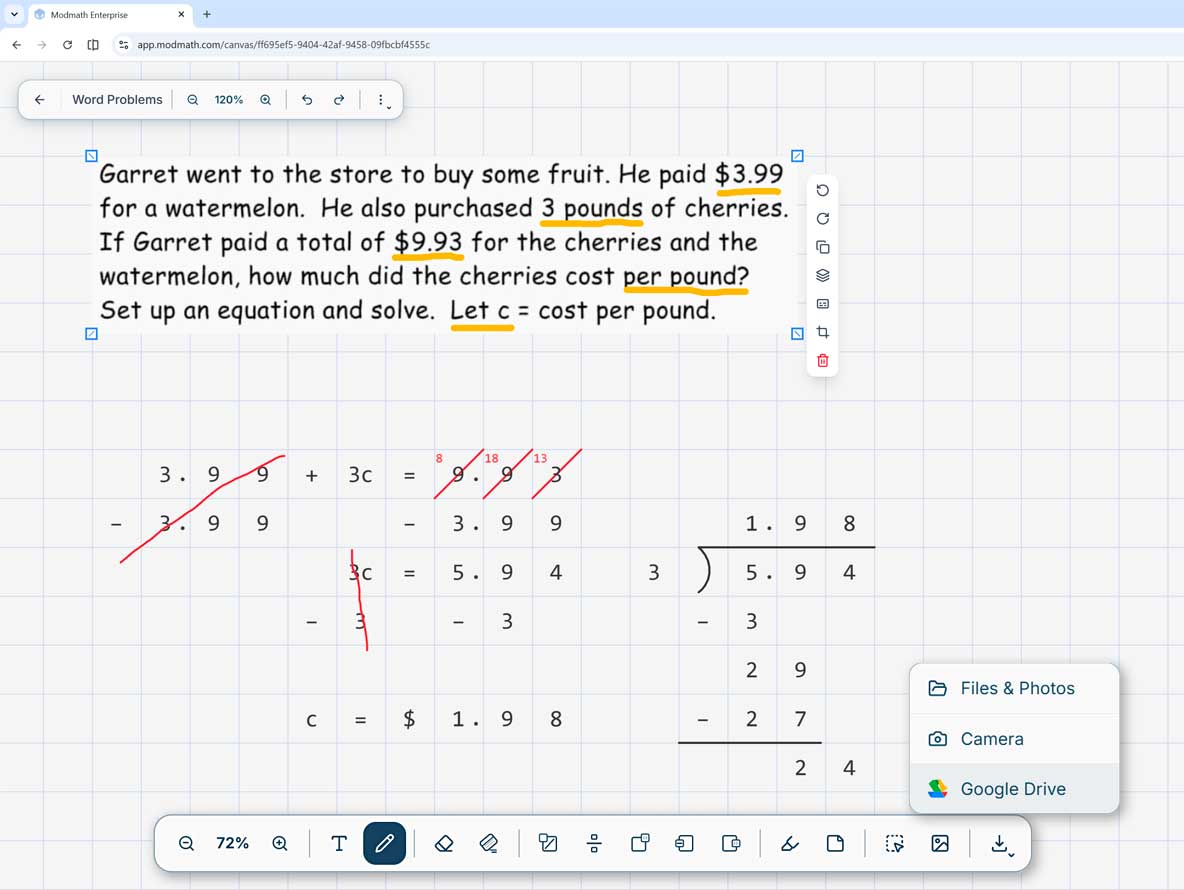
Modmath® is now available as a web app and handles complex algebraic equations, geometry, and calculus. You can write out and solve problems ranging from multiplication and long division to variables and quadratic equations.
Designed for the way your child sees and works.
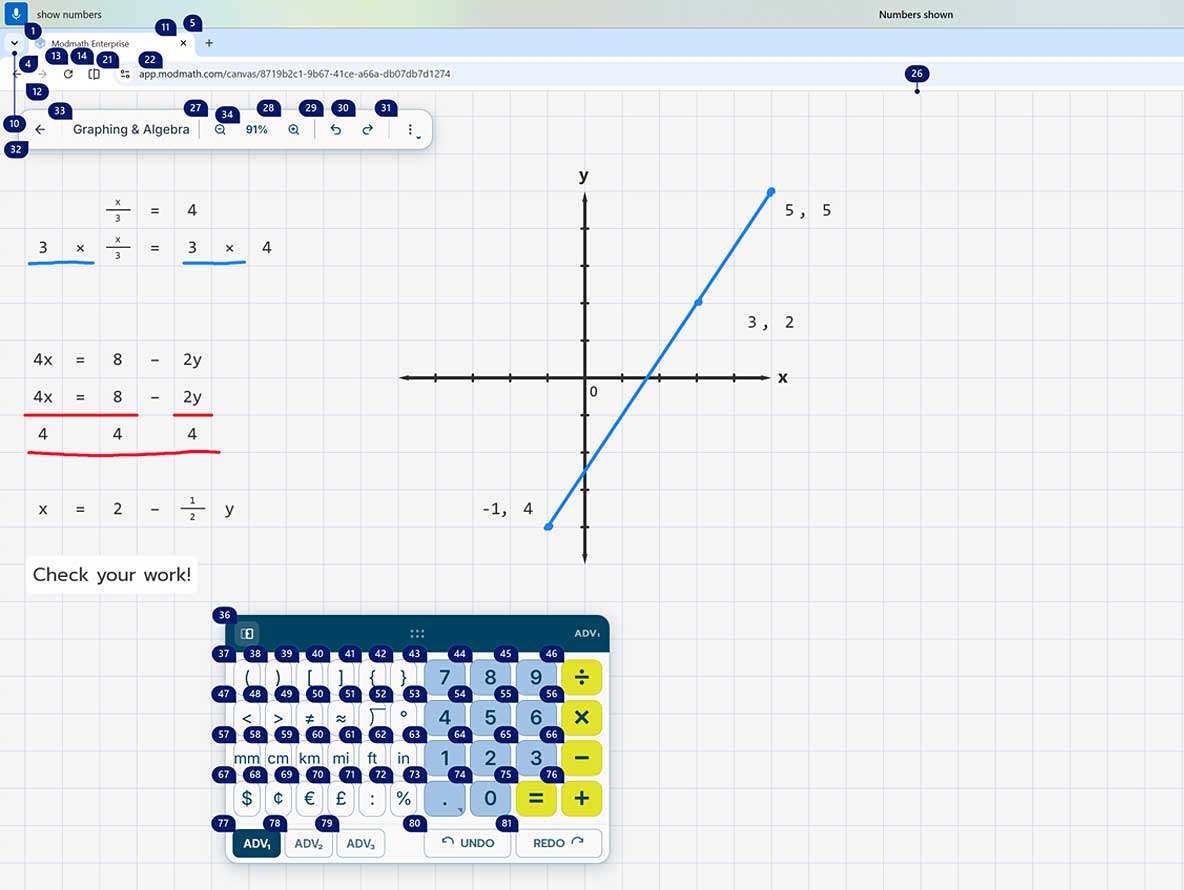
Modmath is assistive technology that works with the accessibility settings already on your device, including VoiceOver, screen reader support, and full keyboard navigation. Colors meet WCAG standards, the keypad resizes, and grid lines are adjustable to fit each student's needs.
Now in any browser, on every device.
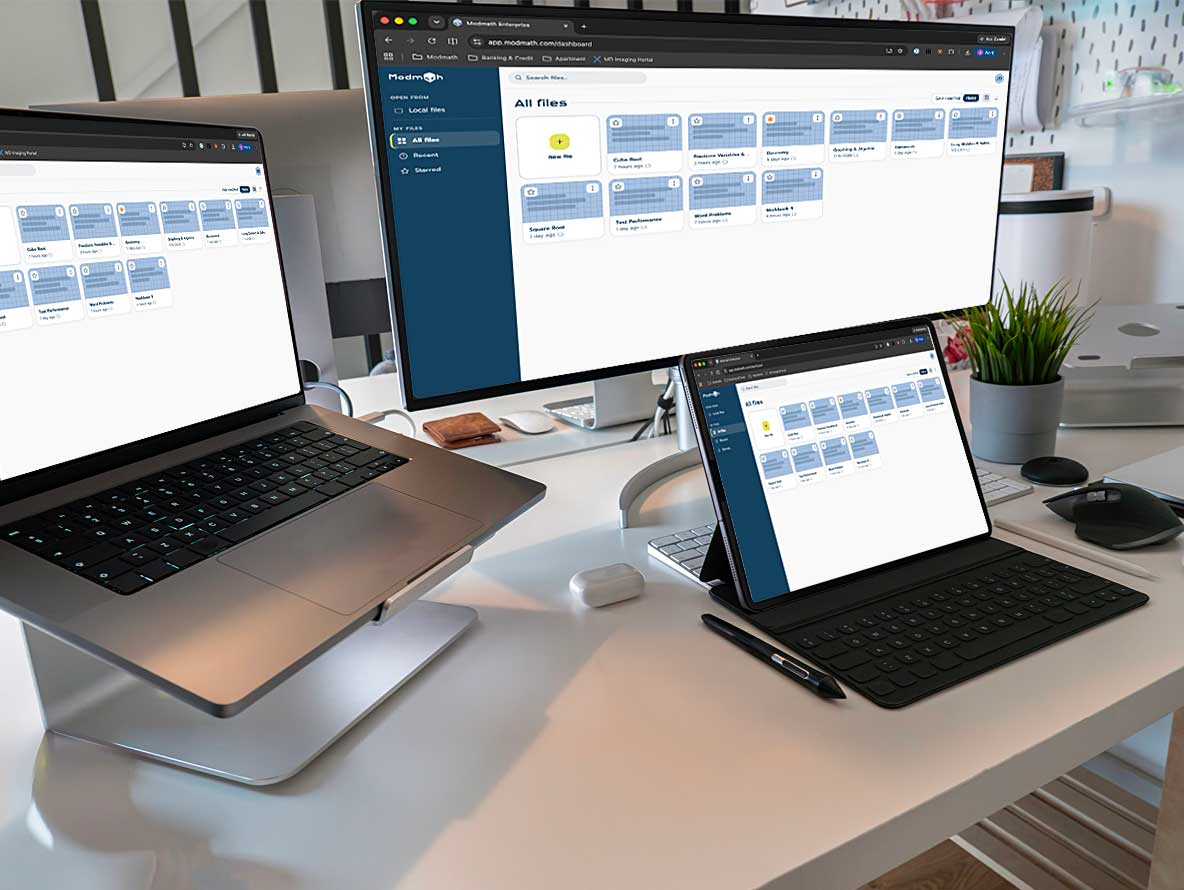
Modmath first launched on iPad and is now finally available across all platforms. The progressive web app works on Chromebooks, Windows, and Android tablets. And, you can use one subscription across all your devices so the subscription follows the student, not the device.
Graph paper that keeps everything lined up.
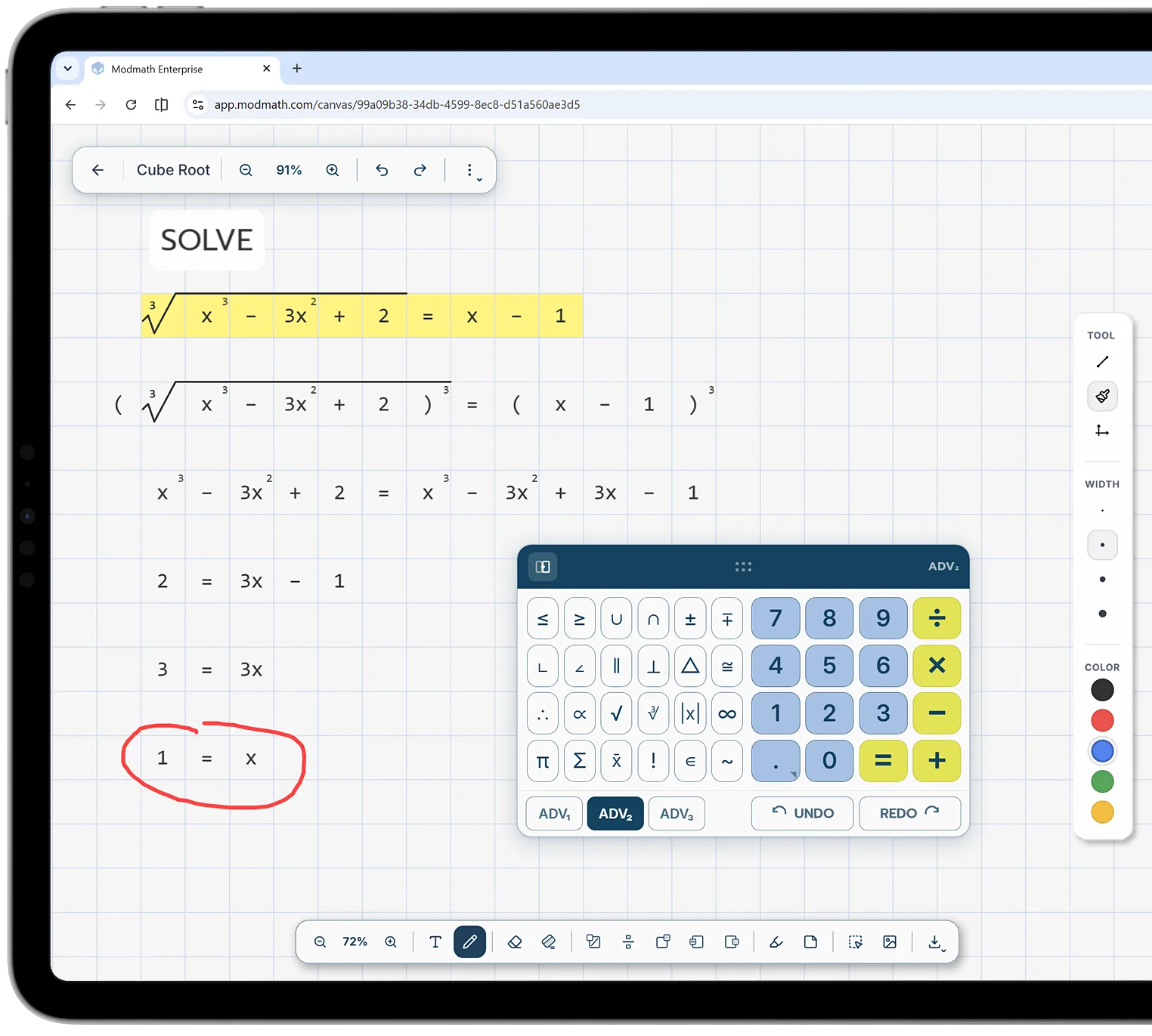
Modmath gives every digit its own square. Place values stay in their columns, regrouping stays lined up where it belongs, and long division stops sliding across the page. The keypad is built for math, so fractions, exponents, negative numbers, and variables are one tap away instead of buried in a symbol menu. Handwriting never gets in the way of math.
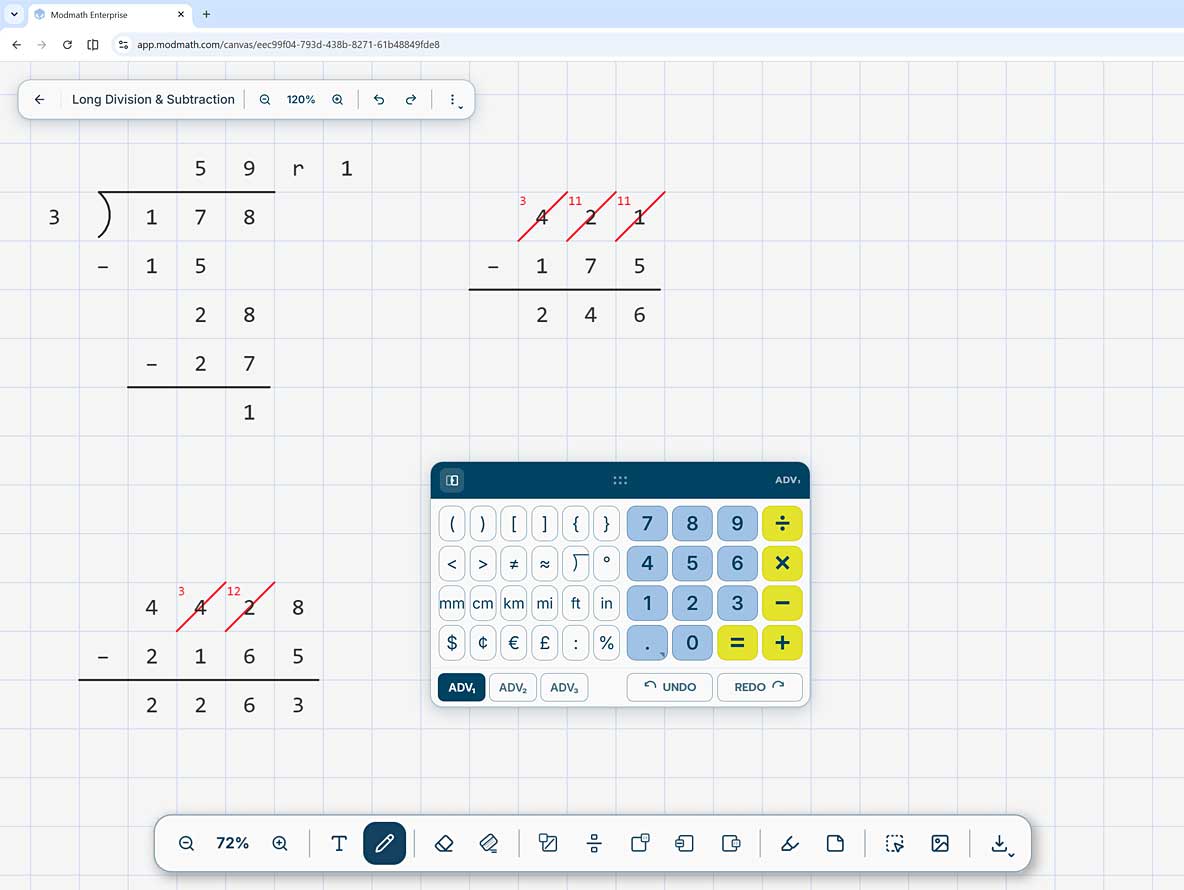
Every tool a math problem needs.
Regrouping for addition and subtraction. Fractions with a clean divider. Exponents, negative numbers, and variables. Straight lines, graphs, and freehand drawing for geometry. Highlights and notes to keep work organized. An eraser that clears only what you choose. It all lives on one page, so a single assignment can move from arithmetic to algebra to more advanced math without switching tools.
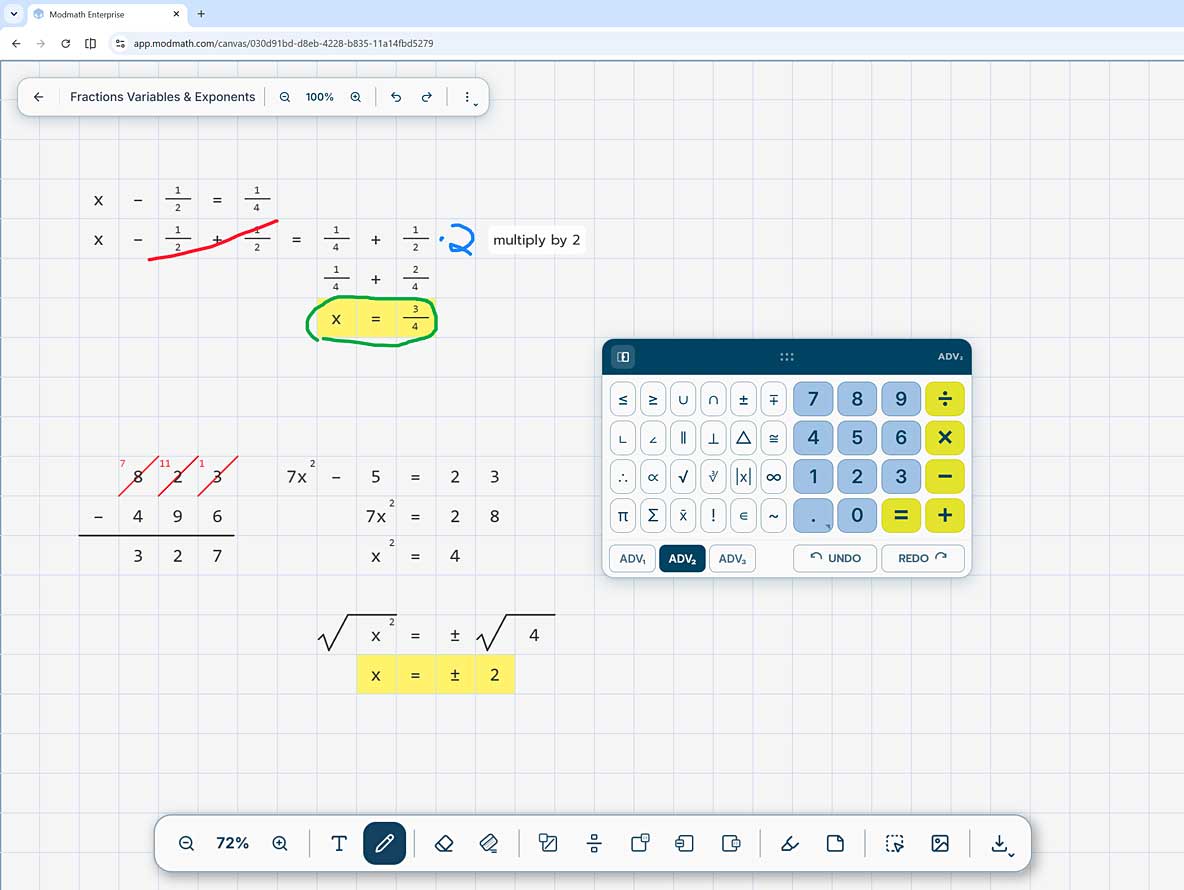
Bring the assignment straight onto the page.
Import from Google Drive or snap a photo, and Modmath puts the image right on the graph paper so the student can start solving. Nothing to retype or recopy, and no losing track of the question halfway through. Image recognition is coming soon, which will make getting assignments in even easier.